
How Small Medical Practices Can Integrate PACS Systems for Seamless Workflow Optimization
By Tesla Radiological Services Team, Tesla Radiological Services
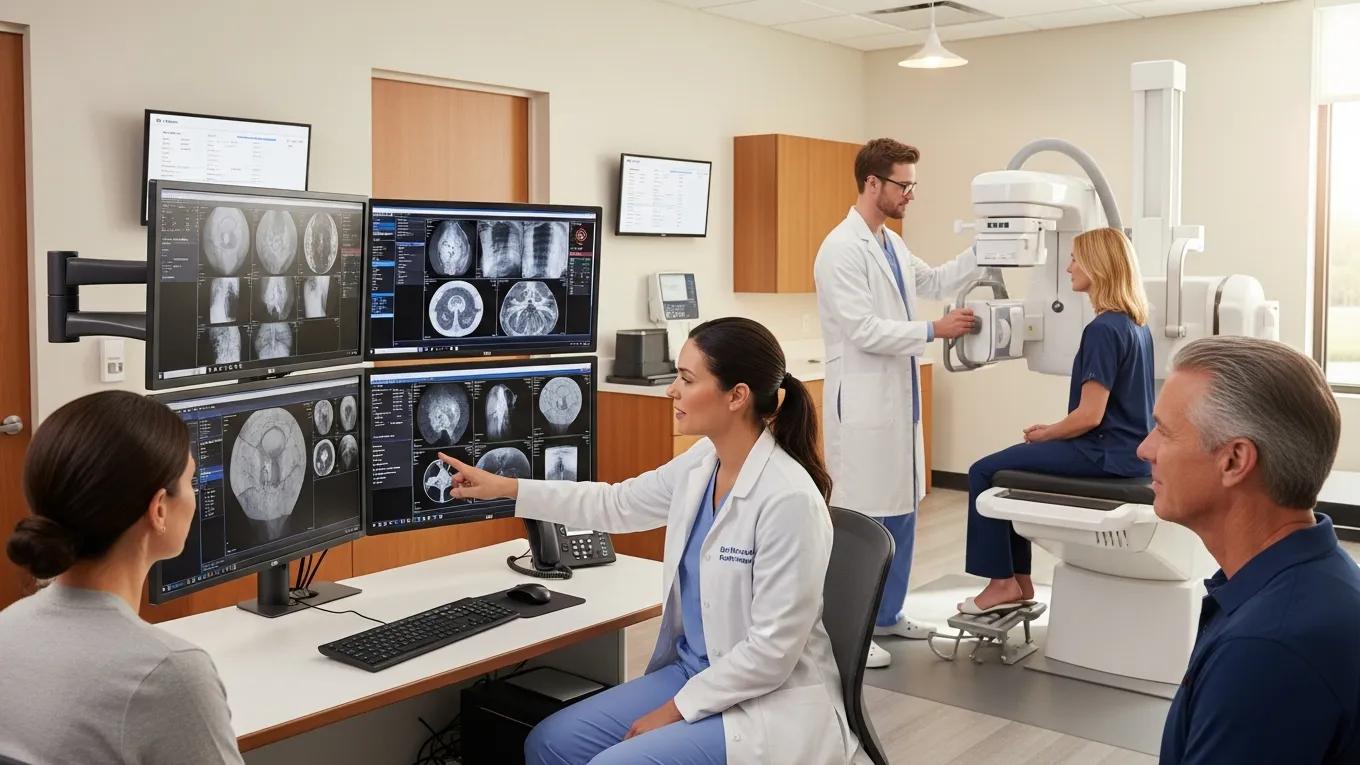
The integration of Picture Archiving and Communication Systems (PACS) into small medical practices enhances efficiency and improves patient care. As practices transition from traditional film-based imaging to digital processes, they often face the challenge of implementing new technologies without disrupting their existing workflows. This guide will provide insights into how small medical practices can successfully integrate PACS solutions, streamline operations, and ensure minimal disruption. Readers will learn about the principles of PACS, best practices for implementation, and the distinct benefits these systems offer. Additionally, we will explore how services like those offered by X-Ray Docs can support practices during this transformative process.
What Is PACS and Why Is It Essential for Small Medical Practices?
PACS is a medical imaging technology that provides efficient storage, transmission, and retrieval of images. It significantly enhances the management of radiological images, making it essential for small medical practices that require quick access to patient information. By transitioning to a digital imaging workflow, practices can reduce costs associated with film processing, storage, and retrieval. Implementing PACS leads to improved accuracy in diagnostics and a reduction in the time required to share crucial patient data among healthcare providers.
How Can Small Clinics Implement PACS Without Disrupting Existing Workflows?
Integrating PACS into a small clinic involves careful planning and execution. By following a structured approach, practices can adopt PACS solutions while maintaining their operational efficiency.
Step-by-Step Guide to Integrating PACS Software into Clinical Imaging Operations
- Needs Assessment: Evaluate current imaging processes and identify the specific needs regarding PACS features. Understand the existing workflow to pinpoint integration points.
- Vendor Selection: Choose a PACS vendor based on the identified needs. Focus on vendors that offer strong customer support and efficient training options for staff.
- Pilot Program: Implement a pilot program within a small section of the practice to test the PACS integration. Gather feedback from staff to make necessary adjustments.
- Training and Support: Provide comprehensive training for staff to ensure that they are comfortable and proficient with the new system. Adequate support systems also help ease the transition.
- Full Implementation: After successful testing, roll out the PACS system across the practice, monitoring closely to address any emerging issues.
X-Ray Docs can enhance this process by providing expertise in PACS integration and facilitating appointment bookings to streamline patient flow.
What Are the Best Practices for Optimizing Medical Imaging Workflow in Small Practices?
To maximize the benefits of PACS, small medical practices should adopt certain best practices that enhance workflow integration and efficiency.
- Streamlined Implementation: Begin with a phased approach to implementation to prevent operational disruptions.
- Regular Evaluation: Continuously assess and refine imaging workflows to adapt to evolving needs and ensure optimal utilization of PACS features.
- Engagement with Staff: Engage all team members in the transition process, gathering input on the functionality and usability of the system.
Scheduling and Appointment Management Aligning with PACS Integration
Integrating PACS should also include adjustments to scheduling and appointment management systems. By aligning these processes, practices can ensure a smooth flow of patients through appointments and imaging, reducing wait times and improving service delivery.
Using Workflow Automation for Radiology Efficiency and Image Management
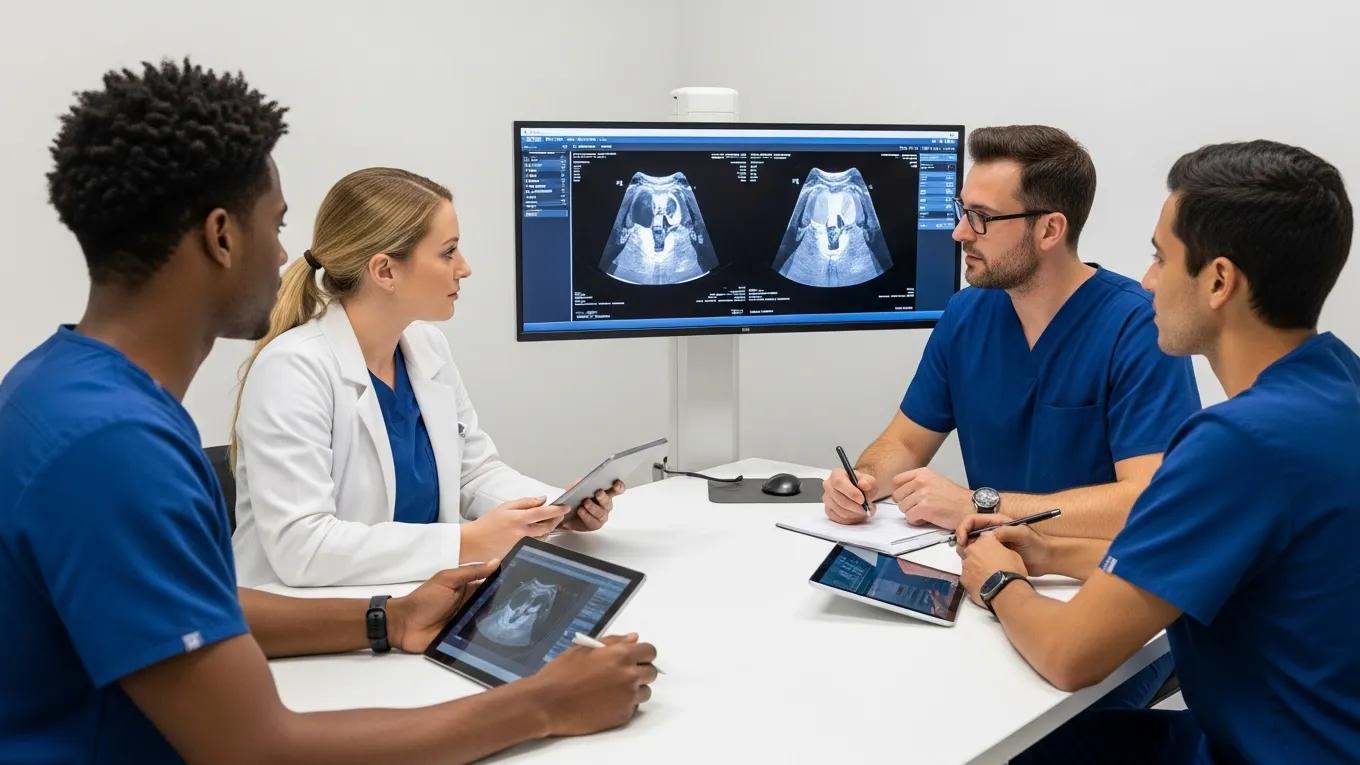
Workflow automation tools can significantly reduce the manual workload on staff, allowing for quicker image retrieval and management. By automating appointment reminders and follow-ups, small practices can enhance patient care and create a more efficient operating environment.
How Do Cloud-Based PACS Solutions Support Small Medical Facilities?

Cloud-based PACS solutions offer several advantages for small medical facilities, including scalability, cost-effectiveness, and ease of access to imaging data.
- Scalability: Cloud-based solutions allow practices to scale their storage and services according to demand, eliminating the burden of maintaining physical servers and infrastructure.
- Cost Implications: Transitioning to a cloud system can be more affordable in the long run, as it usually requires lower upfront costs and reduces ongoing maintenance expenses.
- Secure Access: Enhanced security features comply with healthcare regulations, ensuring patient data remains protected while accessible to authorized personnel.
Ulrich A. Vouama’s research highlights how cloud computing can improve the effectiveness and efficiency of PACS, further underlining the advantages for medical facilities.
Improving PACS Effectiveness with Cloud Computing
ABSTRACT: Vouama, Ulrich A.Colorado Technical University ProQuest Dissertations & Theses, 2017. 10742561. Examination of Using Cloud Computing to Improve PACS’s Effectiveness, Compliance, and
Efficiency, UA Vouama, 2017
Security and Compliance Considerations for Cloud PACS in Small Clinics
When implementing a cloud-based PACS solution, it’s important to evaluate the security protocols and compliance with regulations, such as HIPAA, to safeguard patient information.
Comparing Cloud PACS vs On-Premises Systems: Scalability and Cost Implications
Cloud PACS systems generally provide a more flexible solution compared to traditional on-premises systems. They reduce capital expenditures and streamline the workflow by offering easy access to images and data from any internet-connected device, thus providing greater operational flexibility.
What Are the Cost Considerations and ROI of Radiology Software for Small Practices?
Understanding the financial aspects of implementing PACS is vital for small medical practices. Initial costs may include software licensing, training, and potential hardware upgrades, but the long-term savings and ROI typically justify the investment.
- Estimation of Costs: Small practices should develop a clear estimate of both initial and ongoing costs associated with PACS deployment.
- Long-Term ROI: Evaluating potential return on investment in terms of improved efficiency, reduced imaging costs, and enhanced patient care can help justify the expenditure.
- Financing Options: Explore various financing options available from vendors or healthcare financing entities to ease the financial burden of the transition.
By carefully analyzing these considerations, small medical practices can make informed decisions regarding the adoption of PACS and its long-term sustainability.